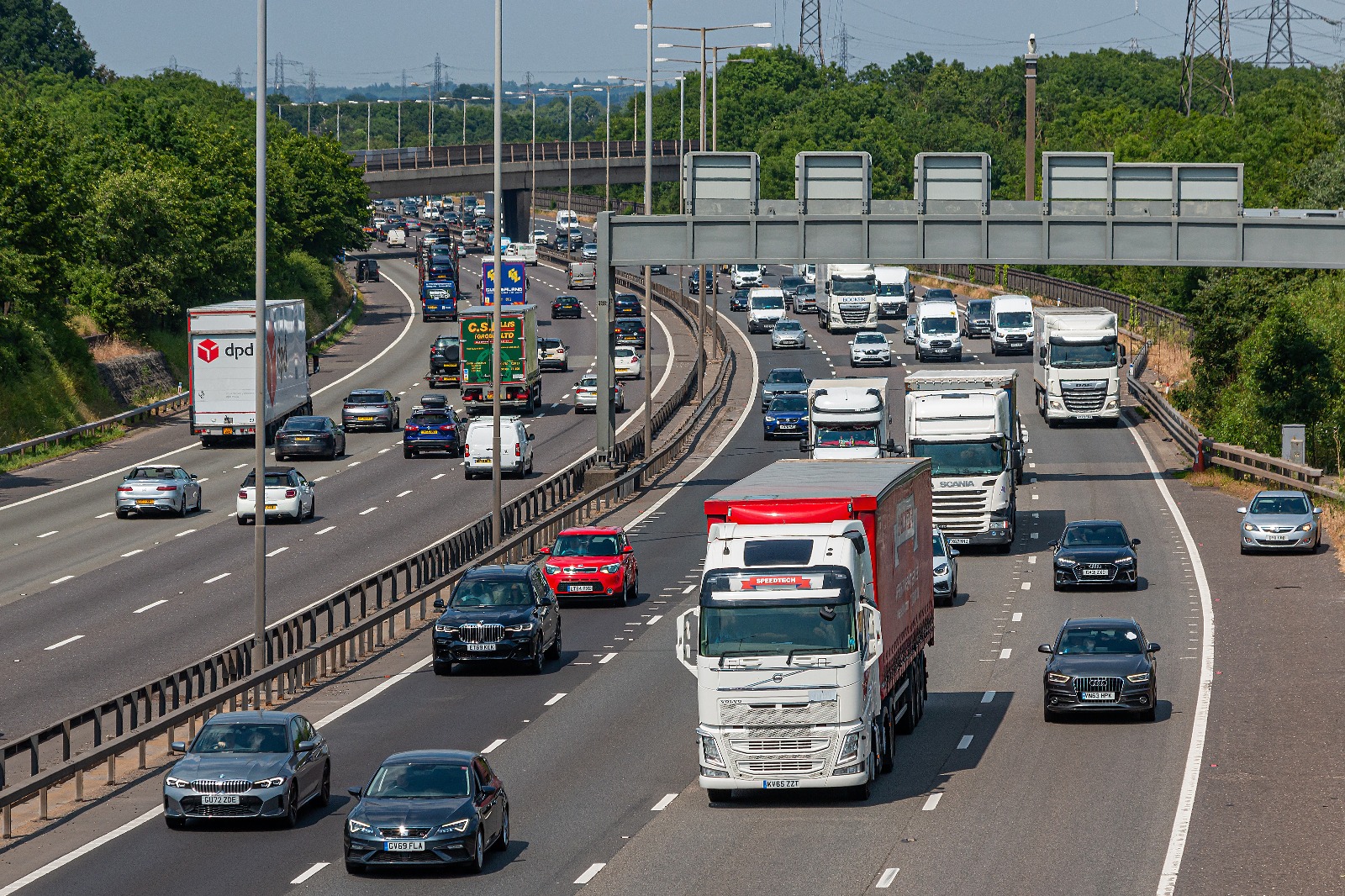
Remote tachograph download is the automatic transfer of driver card and vehicle unit data from your trucks to a secure online platform, over the air, without anyone plugging in a card reader. For UK fleets running vehicles that spend weeks away from base, it's the difference between staying compliant by default and chasing data you physically can't reach.
If your trucks are often abroad — or simply never parked when you need them — remote tachograph download in the UK is probably the single most useful piece of compliance kit you're not using yet. Here's how it works, what the law actually requires, and what it looks like for a real operator.
What the law requires (and why timing is the trap)
Under DVSA rules on drivers' hours and tachographs, the deadlines are fixed — and they don't move just because a vehicle is hard to reach:
- Driver card data must be downloaded at least every 28 days
- Vehicle unit (VU) data must be downloaded at least every 90 days
- Records must be kept for at least one year
- At a roadside check, a driver needs the current day plus the previous 28 days of data ready to produce
Miss it and the numbers get real. Failing to install, keep or hand over tachograph records can carry a fine of up to £5,000. (Source: gov.uk / DVSA drivers' hours and tachograph rules.)
These are maximum intervals, not targets. The catch is obvious the moment a truck leaves the yard for a fortnight: a 28-day clock and a vehicle 800 miles away don't mix.
What "remote download" actually means
A small unit wired to the tachograph reads the data and sends it to your platform automatically on a schedule you set. No card reader. No driver posting a card home. No member of staff standing in a cold yard with a laptop.
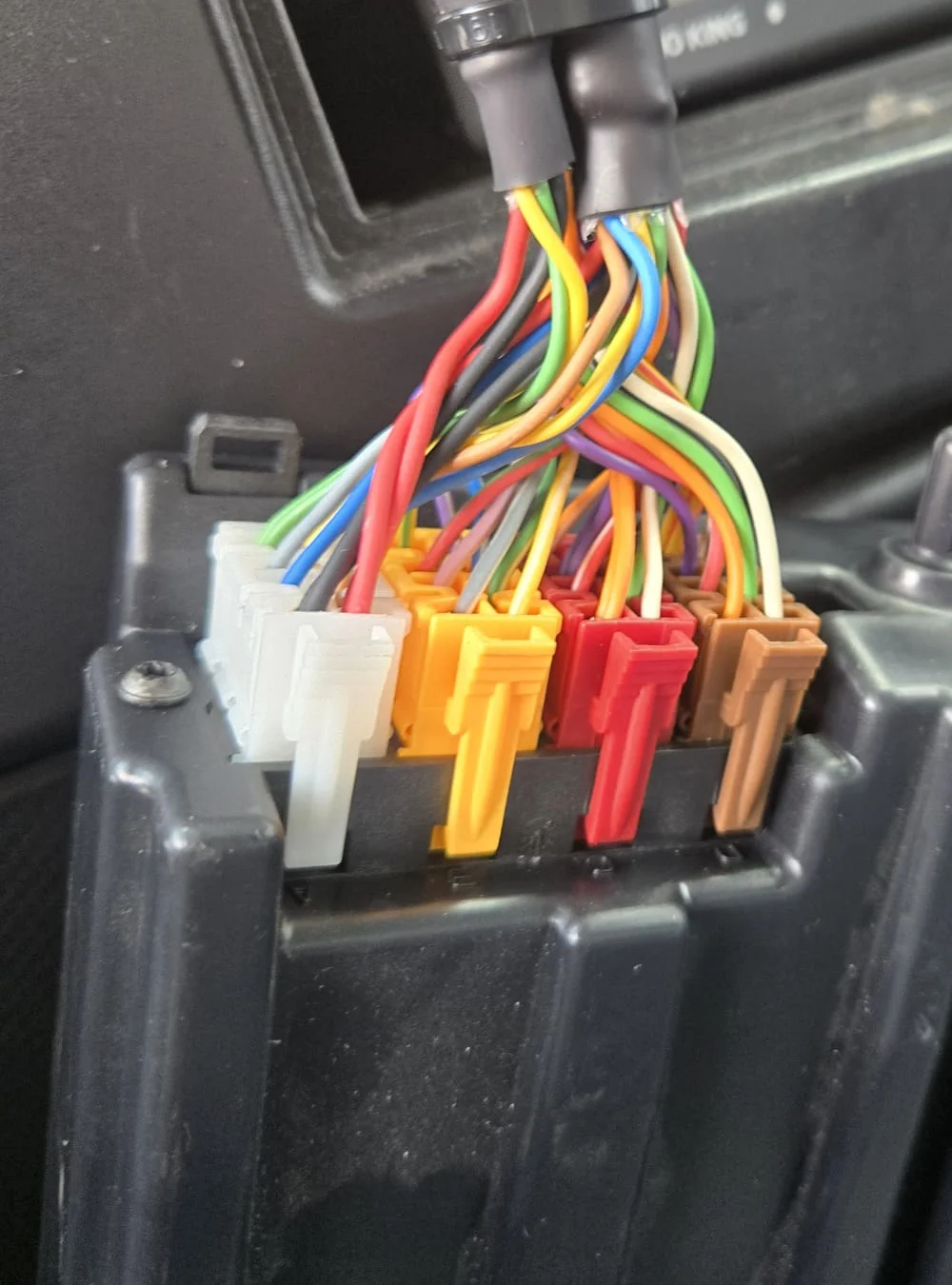
Step by step, it works like this:
-
Device connected
A remote download device is connected to the vehicle's digital tachograph.
-
Data pulled on schedule
On the schedule you set, it pulls the driver card data and the vehicle unit data.
-
Secure transmission
The data is transmitted securely to your online platform.
-
Stored and ready
It's stored, timestamped and ready to produce for DVSA — wherever the truck is.
-
One login to review
Your transport manager reviews infringements and reports from a single login.
The driver still drives normally and still inserts their card as usual. The download is the part that stops being a manual job.
Manual download vs remote download
| Manual download | Remote download | |
|---|---|---|
| Who has to be there | Someone in the yard with a card reader | Nobody |
| When the truck is abroad for weeks | Data can't be collected on time | Pulls automatically on schedule |
| Risk of missing the 28/90-day deadline | High — depends on the truck being home | Low — runs to schedule |
| Paperwork | Print, file, store | Stored digitally, searchable |
| Transport manager time | Hours per month | Minutes |
Why fleets running abroad feel it most: the Delivery Demons example
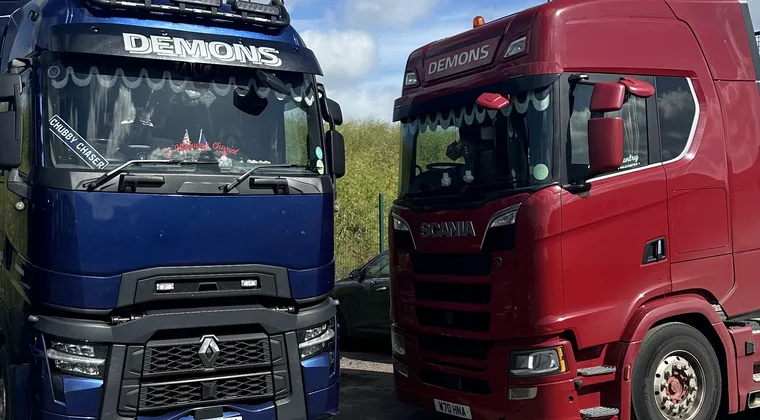
Delivery Demons run most of their fleet across mainland Europe, with trucks gone two, three and four weeks at a time. Before switching to OnPoint Connect, they ran tachograph analysis on one system and tracking on another, with card downloads done by hand and walkaround checks, infringements and inspections kept on paper.
Their transport manager, Keeley, put the day-to-day problem plainly: manual downloads meant physically getting to the card. With vehicles abroad, that's not always possible inside the deadline.
They trialled remote download on a single vehicle for around six weeks before rolling it out.
"It worked, so no need to try anywhere else."— Keeley, Transport Manager, Delivery Demons
The data now comes back on its own, and tacho, tracking, walkaround checks, inspections and AdBlue logs all sit in one place. The platform also saved real time and money during an incident: when one vehicle stopped reporting, the issue was spotted and fixed before her team had even noticed — protecting the proof-of-delivery data a customer later asked for.
"OnPoint Connect literally saved me time and money trying to figure that out."— Keeley, Transport Manager, Delivery Demons
One more deadline worth knowing: Smart Tachograph 2
If you run internationally, there's a separate compliance change to be aware of. Under the EU Mobility Package, vehicles used for international transport that were fitted with the first-generation Smart Tachograph had to be retrofitted with Smart Tachograph 2 by 18 August 2025. Vehicles between 2.5 and 3.5 tonnes used internationally have until 1 July 2026. (Source: IRU / EU Mobility Package I.)
Enforcement authorities across Europe have been checking for Smart 2 compliance at borders and during audits since early 2025. If your vehicles cross the channel, this one applies to you.
The honest bit
Remote download isn't magic, and it isn't a full transport management system on its own. It removes one specific, time-eating, deadline-sensitive job: getting the data off the truck. For a small fleet whose vehicles are rarely home, that one job is often the difference between calm compliance and a scramble before an audit.
Not Sure Where Your Fleet Stands?
Take our free compliance scorecard and see your gaps in a few minutes. Or message the team — with OnPoint Connect you get a person who answers, not a ticket queue.
Take the Scorecard Message the TeamFrequently Asked Questions
Remote tachograph download is the automatic, over-the-air transfer of driver card and vehicle unit data from a vehicle's digital tachograph to a secure online platform, without manually using a card reader.
Driver card data must be downloaded at least every 28 days and vehicle unit data at least every 90 days. Records must be kept for at least one year (Source: gov.uk / DVSA).
Yes. Remote download collects the same legally required data as a manual download. The requirement is that the data is downloaded within the deadlines, stored securely and produced when asked. How you collect it is up to you.
The driver still inserts and uses their card as normal. Remote download only replaces the manual step of physically collecting the data off the card and the vehicle unit.
You risk gaps in your records and enforcement action. Failing to install, keep or produce tachograph records can carry a fine of up to £5,000, and missing data weakens your position in a DVSA audit or a customer dispute.